Download App
🎉 50% OFF all eSIM plans! Use code BF50 !
Download App
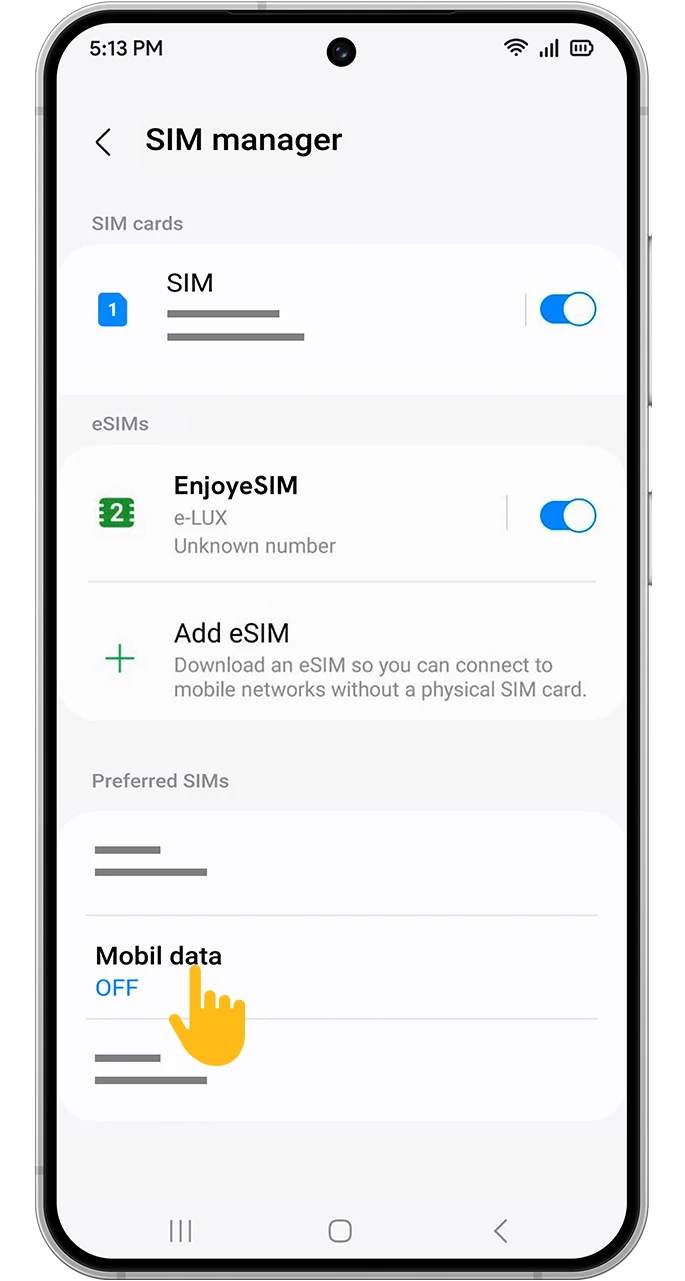
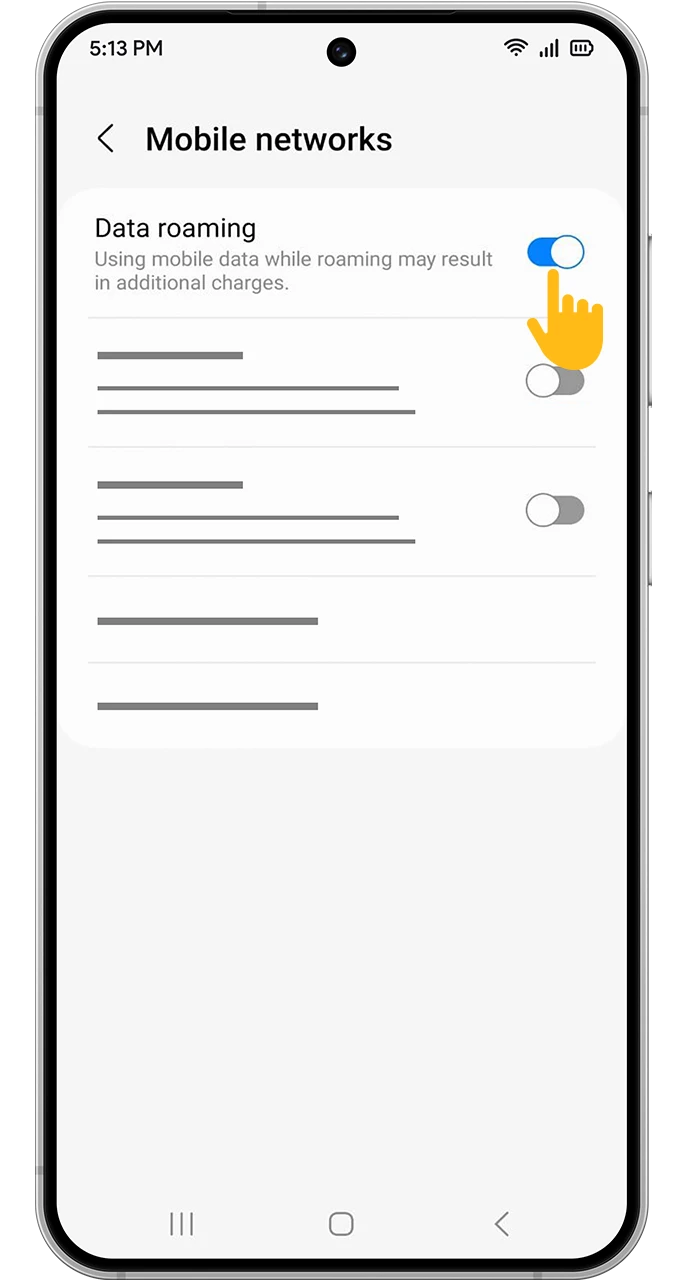
Enjoy internet connection on every adventure with Enjoy eSIM and forget about expensive roaming charges wherever you are.
 ?
?

Take advantage of unlimited data plans in multiple locations.
Continue your travels without surprise bills.
We're there whenever and wherever you need us.
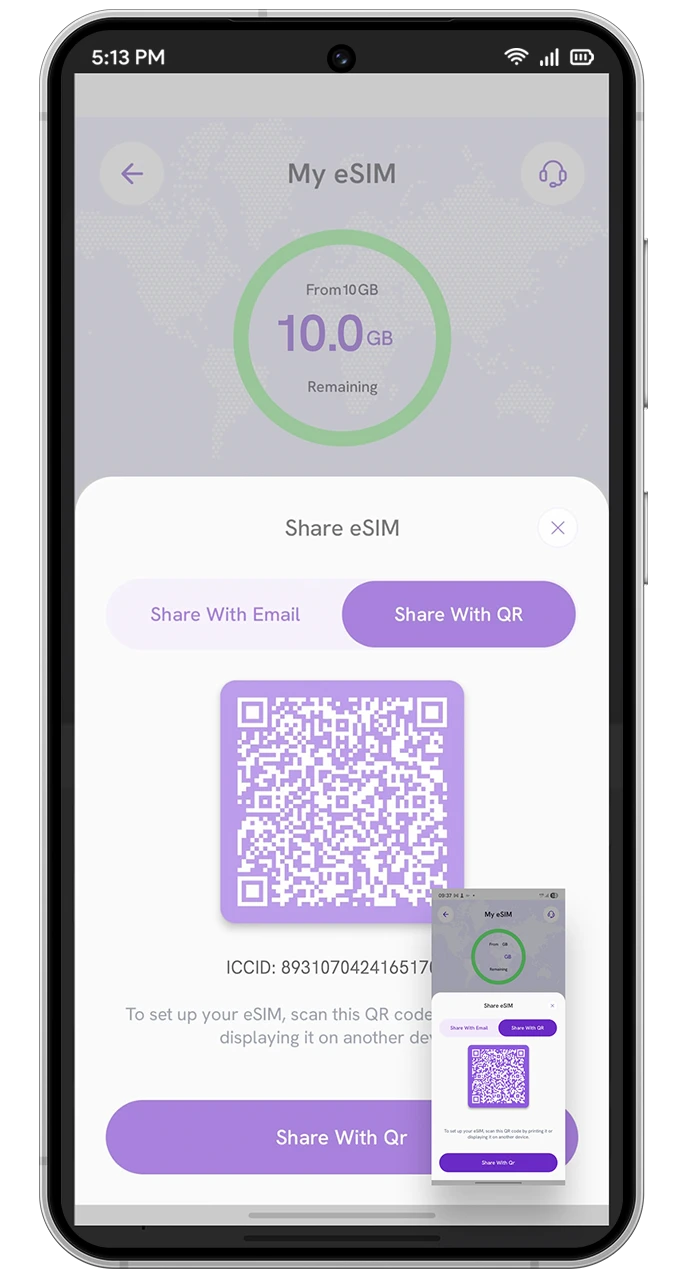
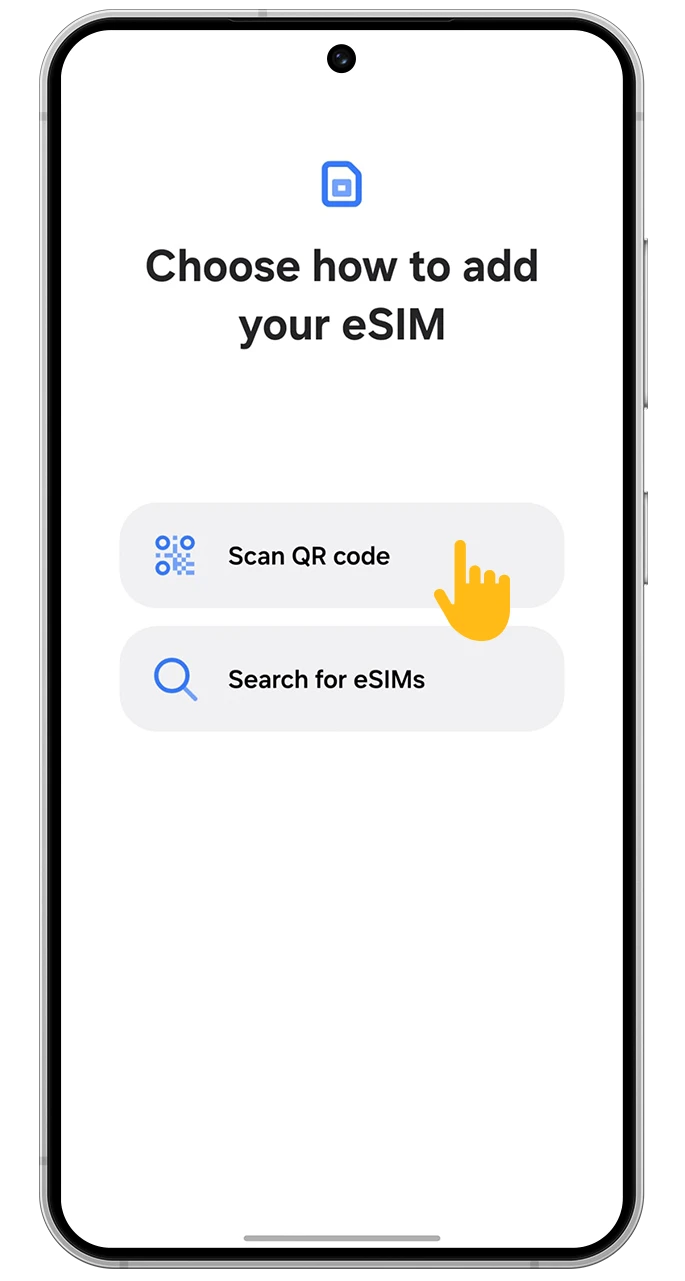
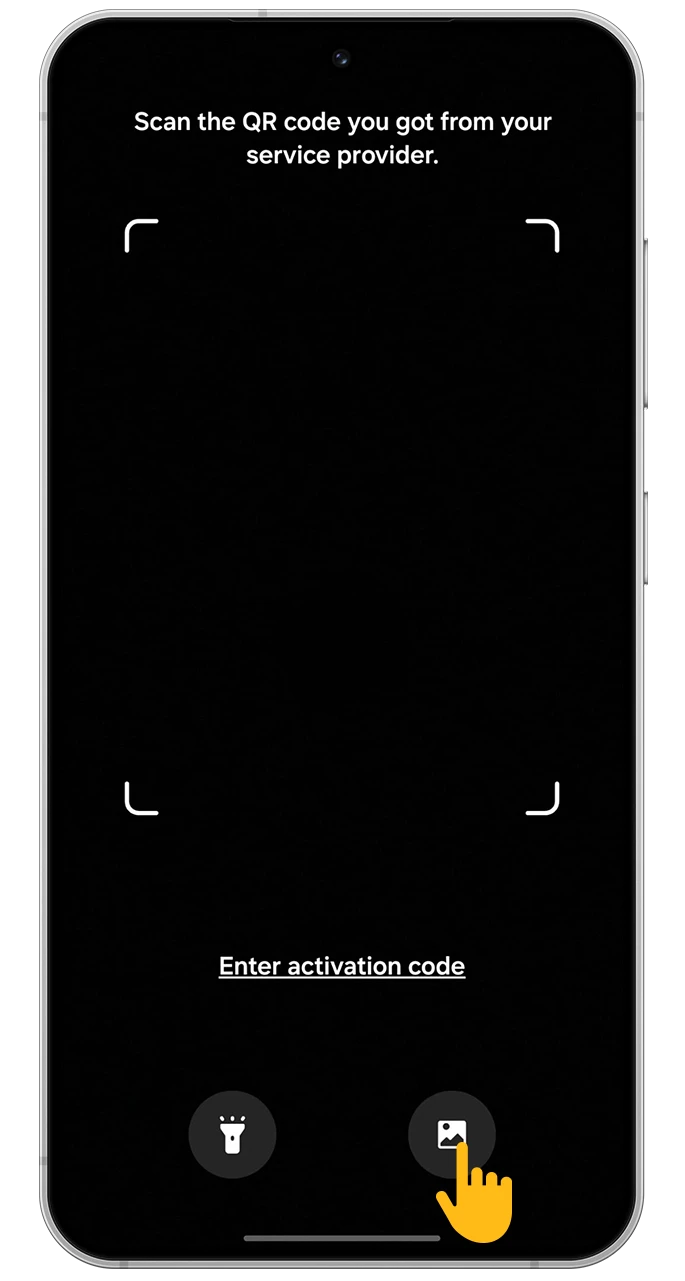
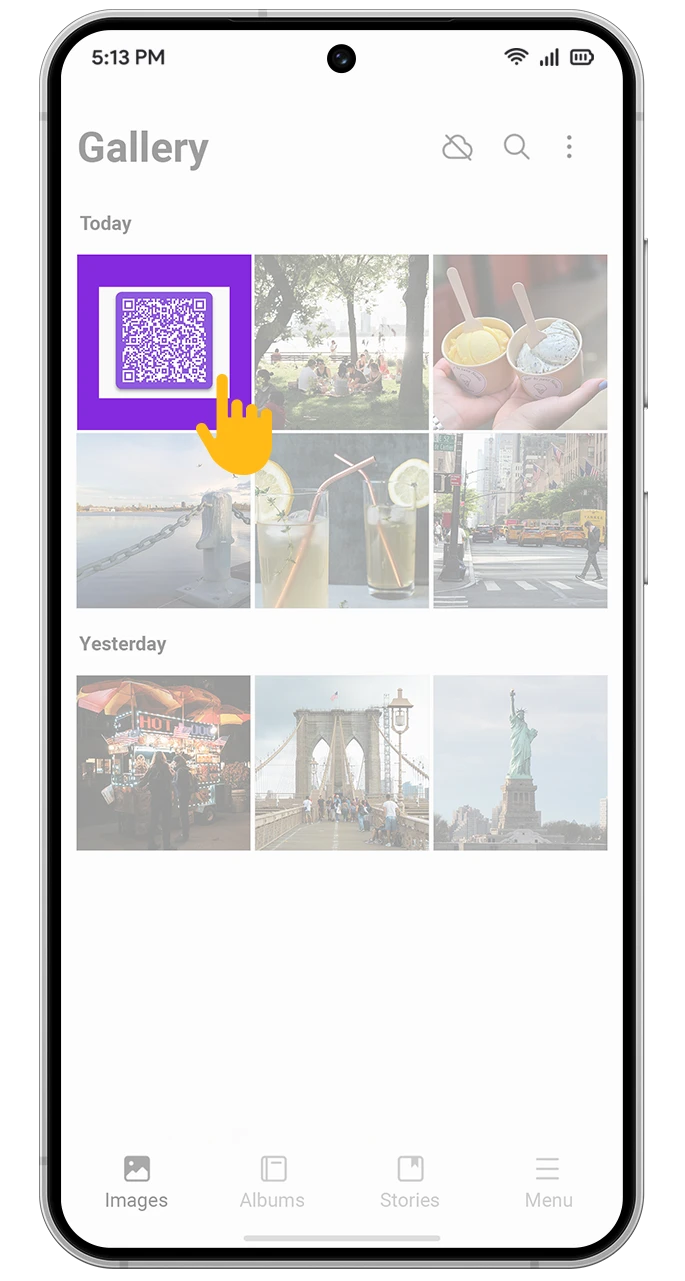
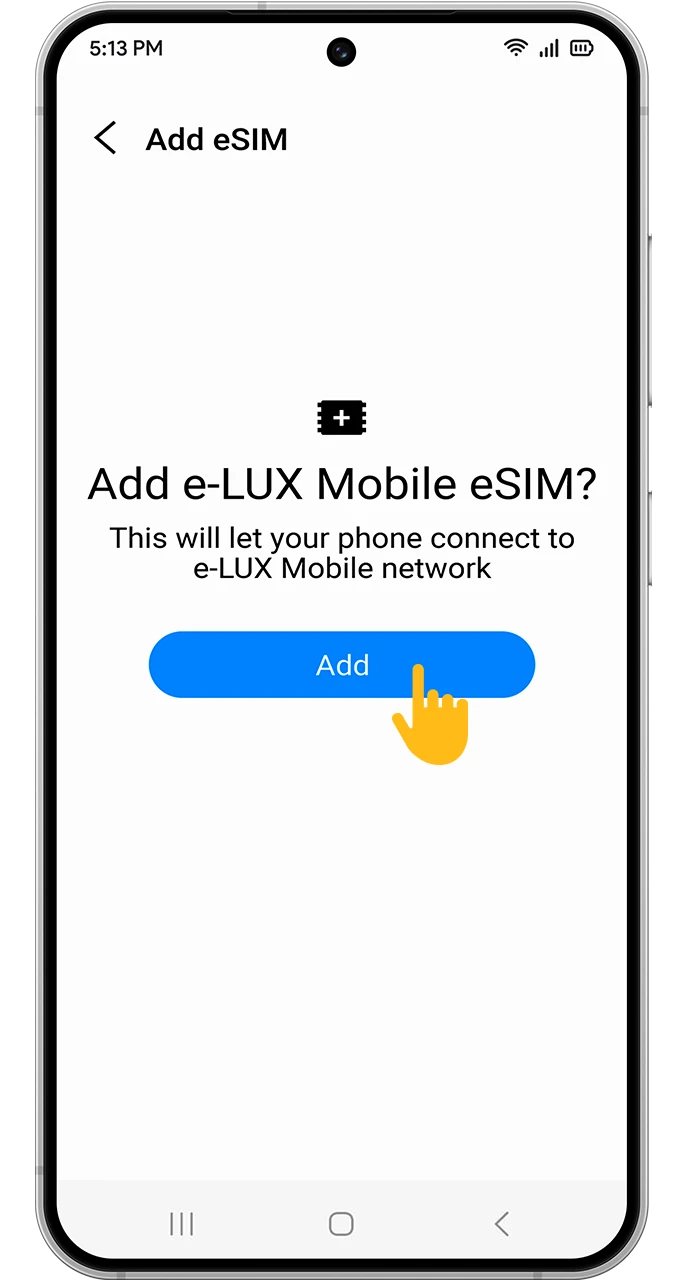
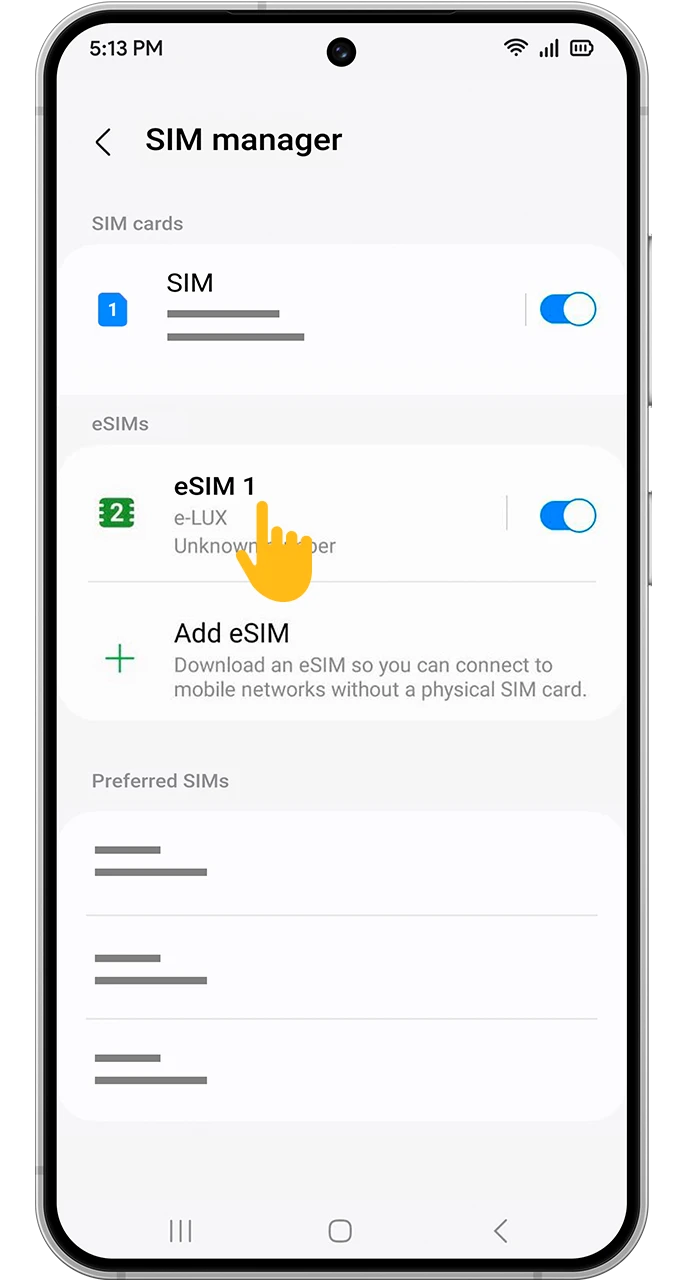
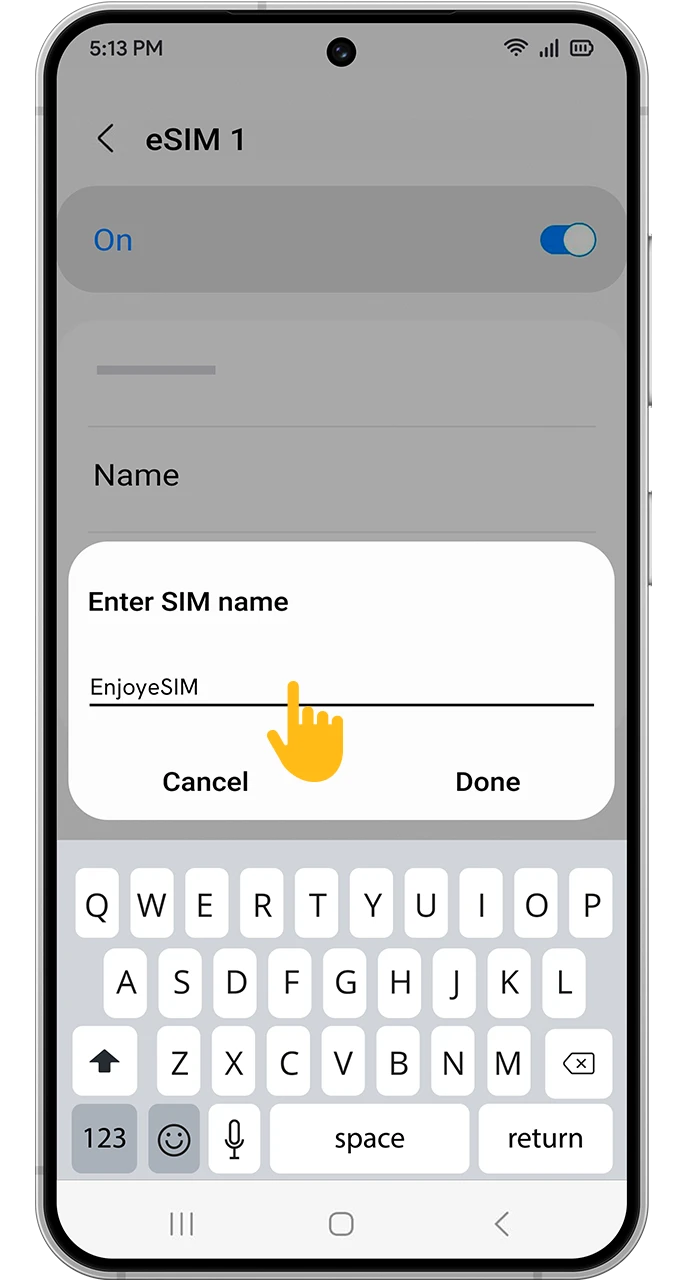
Enjoy the internet by scanning the QR code.
I used the eSIM on my last trip, and it was super easy! It activated quickly and I didn't have any issues. The app is really simple to use and made everything so much smoother. Definitely helped with my travels.

Perfect Travel Companion!
I used it for my trip to France. The connection speed was really satisfying.

Great Connection Speed!
I chose the 10 GB package for my holiday in Budapest and I was very satisfied. I activated it by scanning the QR code. I got internet access right away. It was really practical and convenient.

Using internet abroad
I used it during my trip to Greece and was very satisfied. The signal was strong and it used very little data. You won't regret it.

Using internet abroad
Setup with the QR code is incredibly easy!

Quick Setup
A perfect app.

Perfect App!
Enjoy seamless internet connection on every adventure with Enjoy eSIM and forget about expensive roaming charges wherever you are.
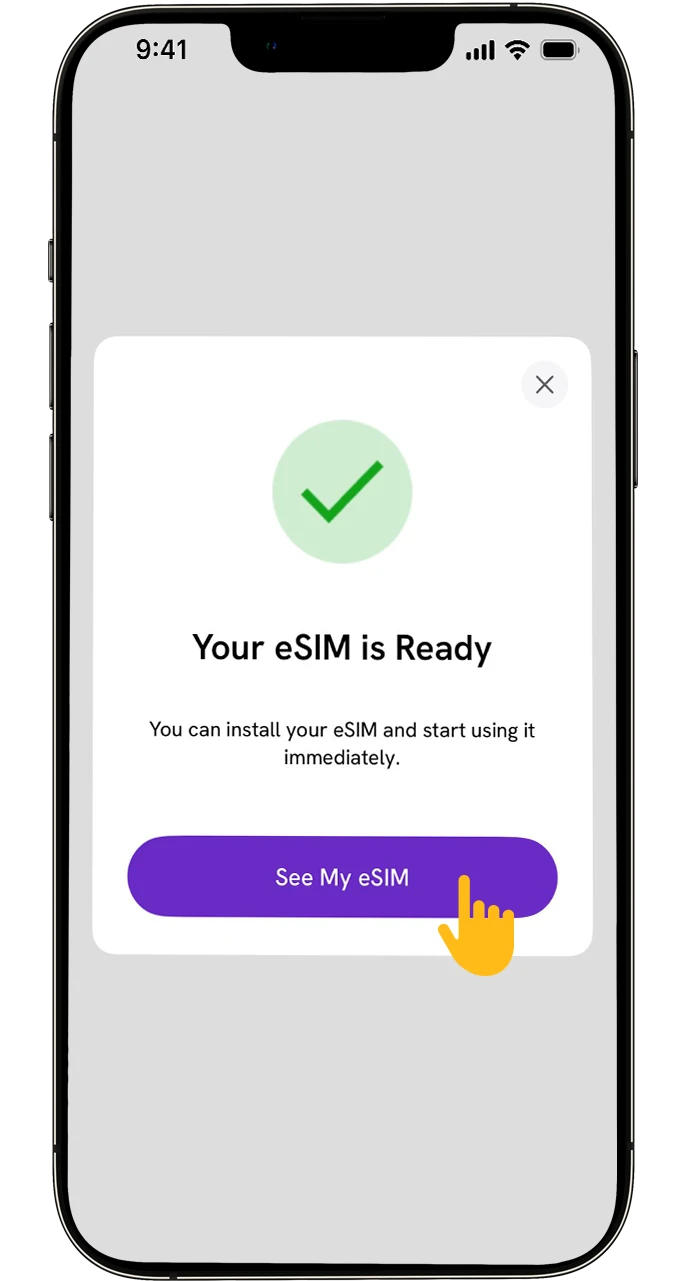
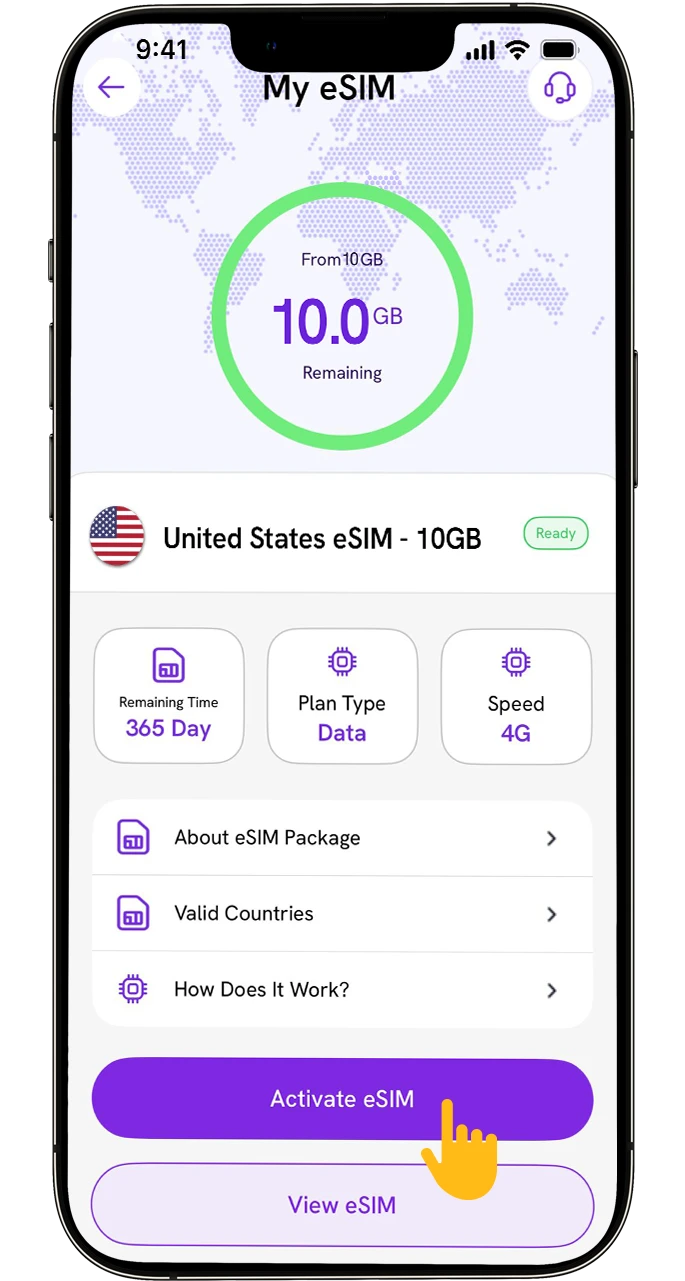
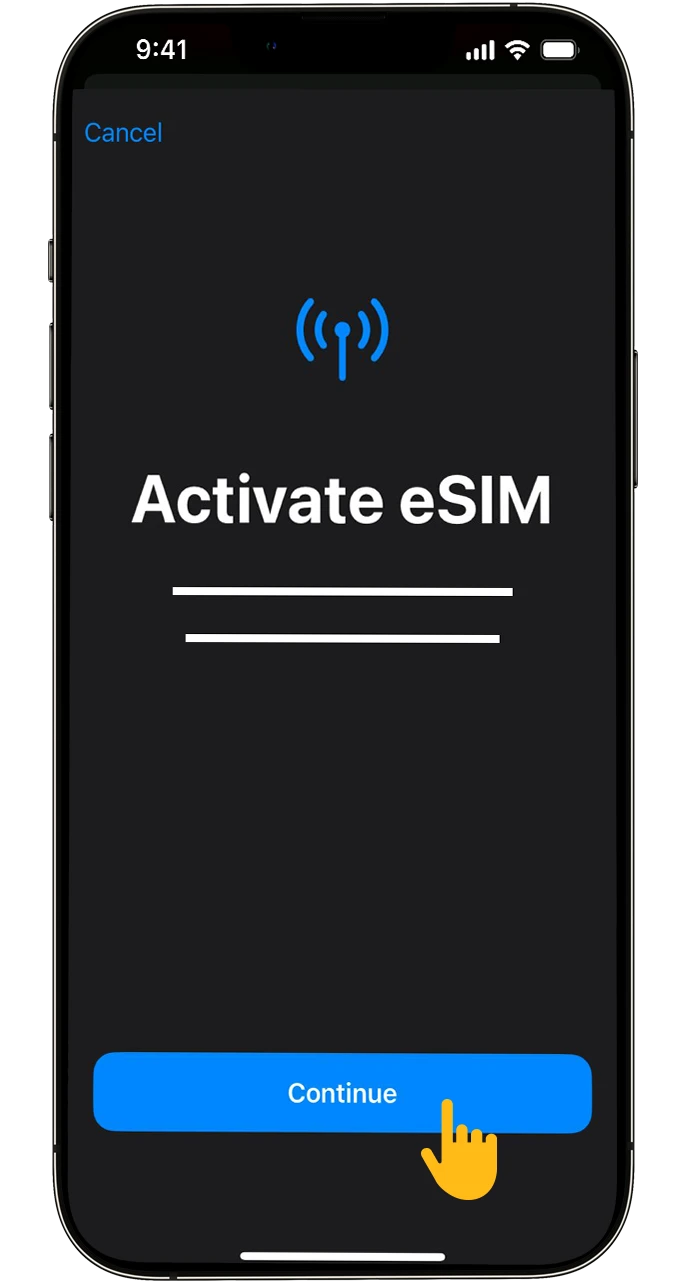

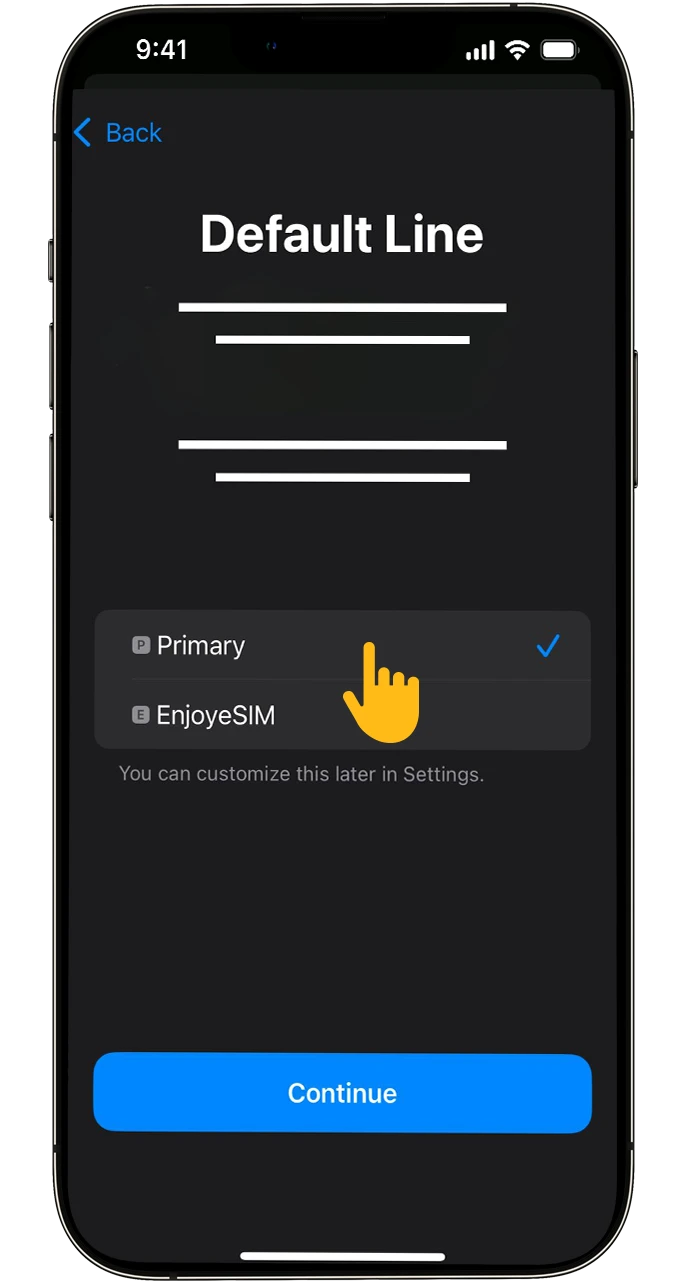
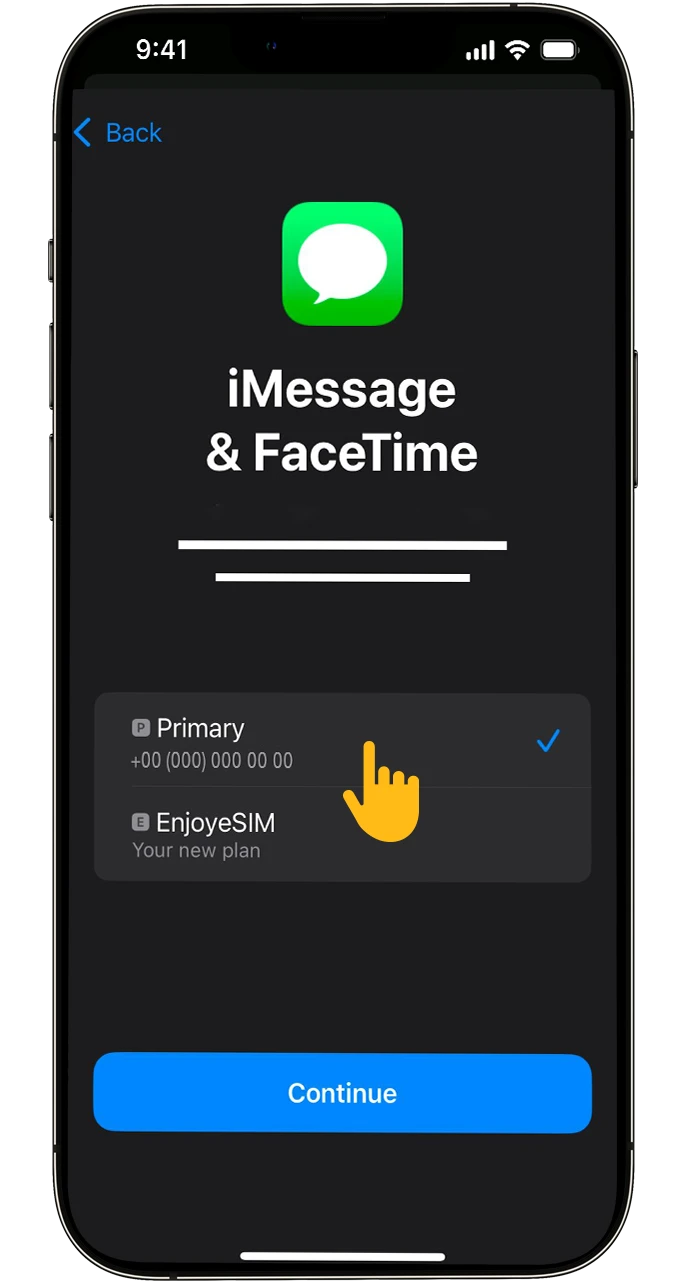
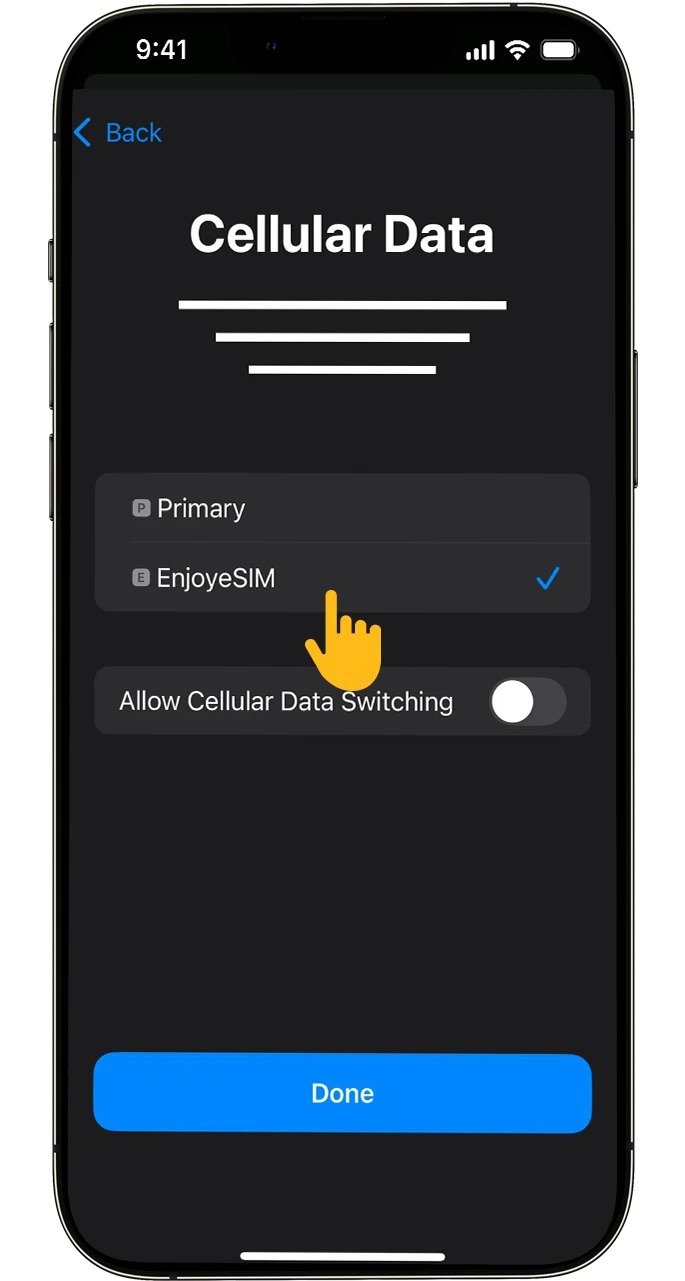
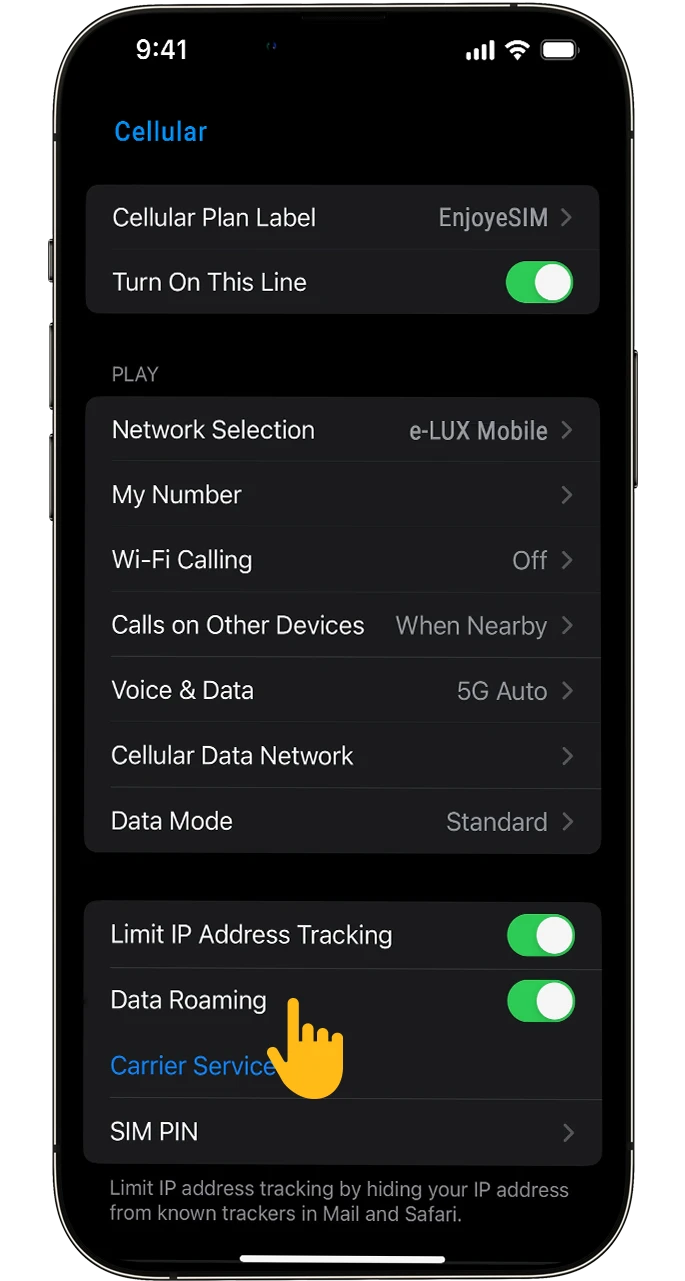
Find useful information to answer your questions.
Instantly download SIMs from 190+ countries and enjoy reliable, prepaid mobile data. No contracts, no hidden fees, no roaming charges.